I Rebuilt a Game I Wrote 14 Years Ago. Here's What Actually Changed.
Most software rots, not because it was badly written, not because the engineers didn’t care, it rots because the assumptions it was built on quietly expire.
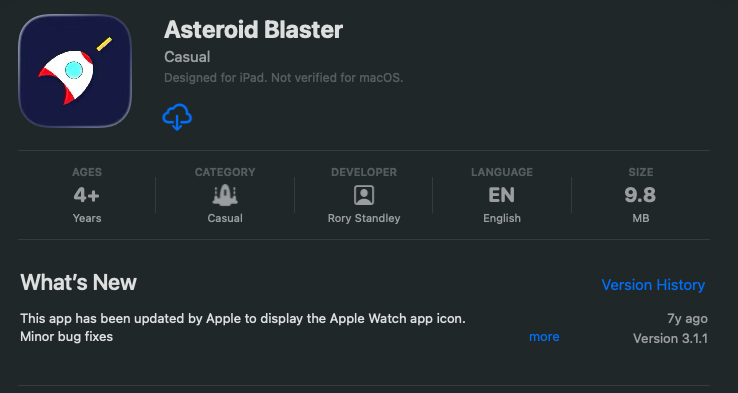
Fourteen years ago, I shipped a mobile game called Asteroid Blaster using HTML5 and PhoneGap. At the time, it was a smart decision. PhoneGap solved the hardest problem a web based indie developer faced in 2012, distribution.
If you could get a web game into an app wrapper and onto the App Store, you were ahead of the curve. But technology moves and expectations move faster.
Recently, I opened the project again, partly out of curiosity, partly out of that builder instinct that never really switches off. I wasn’t planning to do anything serious with it. I just wanted to see what state it was in, maybe poke around the old codebase for ten minutes and close the laptop.
Within about ten minutes, the conclusion was obvious:
This wasn’t something to patch.
It was something to rebuild.
And importantly, this was not a nostalgia project. It was a product exercise. Because there is a massive difference between something you managed to ship once and something you could confidently ship again.
Then vs Now: The Bar Has Moved
The original version worked exactly as intended. But it carried the fingerprints of its era:
- WebView runtime
- Fixed screen assumptions
- Touch-only thinking
- Loose lifecycle handling
- UI transitions driven more by hope than architecture
Perfectly reasonable in 2012, completely inadequate in 2026.
Today, users expect apps to behave correctly across device sizes, pause gracefully, respect interruptions, scale cleanly, and feel native. Nobody cares what stack you used or how clever the workaround was. They care whether the thing behaves properly on their phone.
The Decision: Don’t Resuscitate Legacy Thinking
There’s a dangerous middle ground with old software where teams convince themselves they can “modernise it incrementally.”
Usually what that means is you keep the old architecture and slowly bolt new expectations onto it until everything becomes fragile. I’ve been on that road before with other projects, spending weeks and months patching something that should have been torn down on day one. You end up with code that technically works but that nobody, including you, wants to open again.
This time the rule was simple:
If the foundation is wrong, stop decorating it, start again, not recklessly, not experimentally, deliberately.
Why Godot?
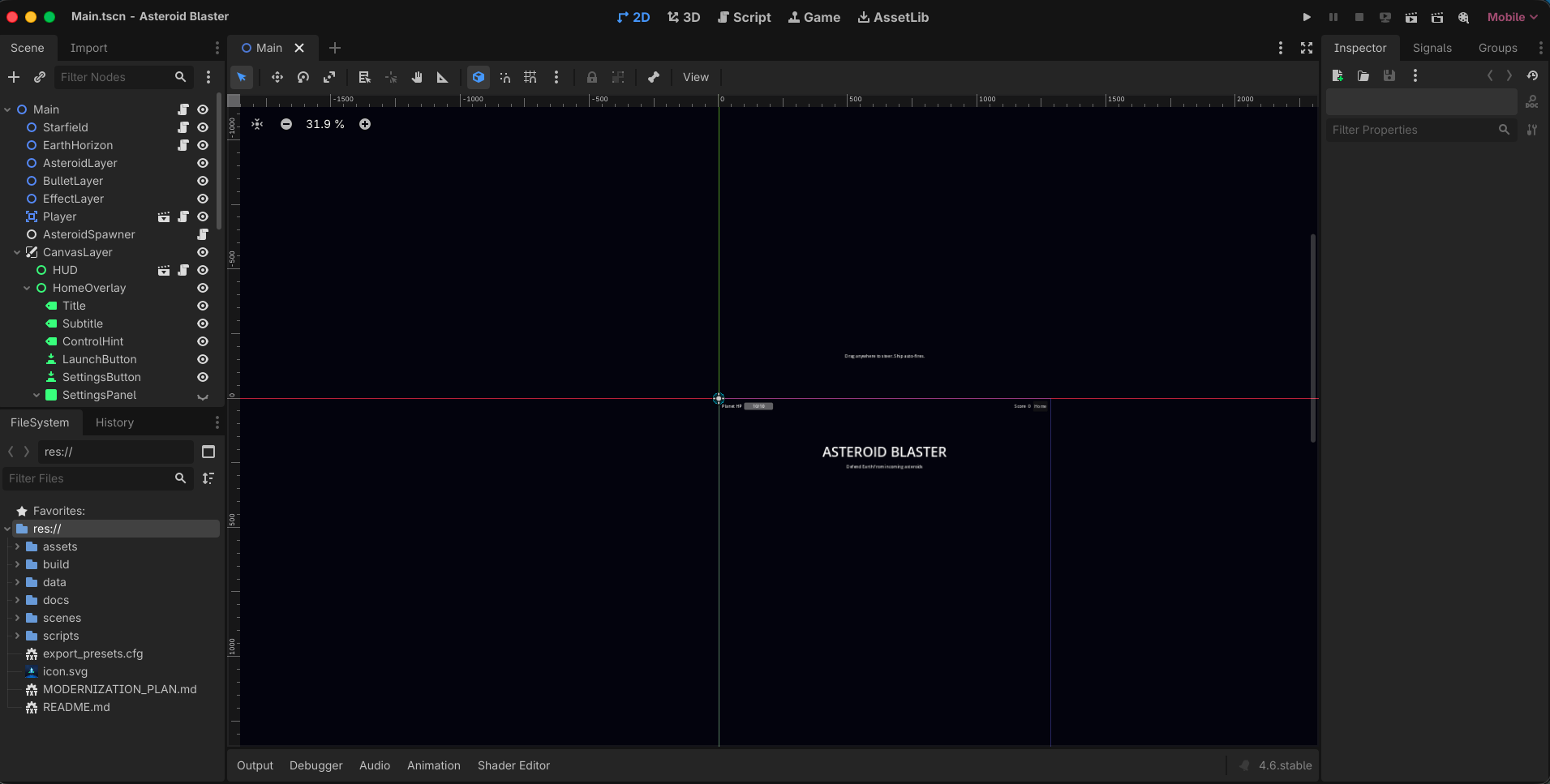
Switching from a container runtime to a proper engine wasn’t about chasing shiny tools.
PhoneGap solved distribution, an engine gives you control. Control of lifecycle, rendering, input, and architecture. When you own the runtime, you stop negotiating with the platform, that changes how you build.
I’ll be honest, the first couple of evenings with Godot were rough. I spent more time fighting the editor’s node system and figuring out GDScript idioms than I did writing actual game logic. Coming from a web background, the mental model is just different enough to trip you up constantly. But once the scene tree clicked, the speed of iteration was unlike anything I’d experienced with the old PhoneGap setup.
The Rule That Guided the Entire Rebuild
I kept coming back to one principle:
Gameplay parity is easy, dhipping parity is hard.
Getting the game running again took far less effort than making it behave like a modern mobile product.
So the rebuild followed a strict order:
- Match the core gameplay
- Make it mobile-native
- Fix the architecture
- Build a repeatable shipping pipeline
That last one is where most side projects quietly die, they run, but they are never truly shippable.
Architecture Is What Stops You From Fighting Your Own Code
The original game leaned heavily on monolithic update loops, logic bled into UI, UI bled into gameplay. It worked, right up until you wanted to change something. I remember a bug in the original where pausing during an asteroid spawn would occasionally duplicate the wave, and tracing it meant reading through one massive function that handled everything from collision to score display, that kind of code resists debugging.
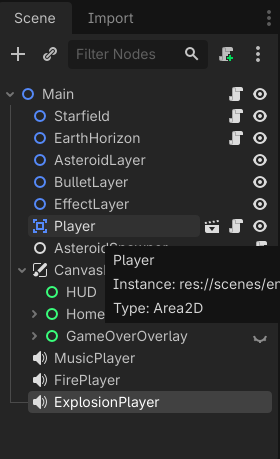
The new version uses clear scene composition:
- Main
- Player
- Asteroid
- Bullet
- HUD
Each part owns its responsibility, no mystery behaviour, no ghost dependencies.
The Highest-Leverage Decision: Explicit Game State
One change delivered more stability than anything else:
I introduced a formal state machine.
- HOME
- PLAYING
- PAUSED
- GAME_OVER
Transitions are intentional, centralised and predictable.
This sounds small, it isn’t. When behaviour is implicit, bugs feel random. When behaviour is state-driven, the system becomes explainable. Half the issues I remember from the original version were state problems in disguise, things happening because two parts of the code disagreed about whether the game was actually running.
Designing Controls for Humans, Not Test Environments
Mobile input is where good intentions go to die. Instead of betting on a single control method, the player controller layers them:
- Keyboard (useful for testing and accessibility)
- Touch steering
- Accelerometer fallback
Touch ownership prevents gesture conflicts. HUD zones stop steering from fighting UI taps. I went through several iterations on the touch dead zone alone before it felt right. The first version was too twitchy, the second too sluggish, and the third felt fine on my phone but terrible on a tablet. Small details, but they make a huge difference in perceived quality. Users rarely praise good controls, but they instantly punish bad ones.
Treat Screen Diversity as a Design Constraint, Not a Bug
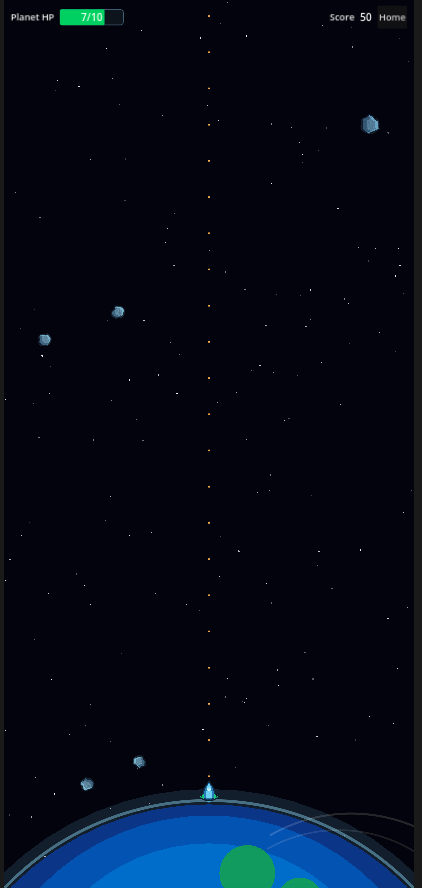
2012 devices were predictable rectangles, modern phones are not.
Safe areas are now computed dynamically, UI scales, Layout respects margins. Even gameplay variables like wave spawn counts adjust relative to viewport size. There was a particularly annoying stretch where asteroids would spawn just outside the visible area on certain aspect ratios, which looked fine in the editor but meant players on wider phones were getting hit by things they couldn’t see. That one took longer to track down than I’d like to admit.
Stop Performing Code Surgery Just to Balance a Game
In the original version, tweaking difficulty meant touching code.
Now, gameplay parameters live in a dedicated balance resource:
- asteroid speed
- wave sizing
- fire cooldown
- explosion behaviour
Balancing becomes a data change, not a redeploy. Future me is extremely grateful for this decision.
Mobile Trust Is Built in the Boring Moments
Players notice when:
- audio resumes at full blast
- the game forgets their settings
- a phone call breaks everything
- pause behaves unpredictably
Lifecycle handling and persisted audio settings aren’t glamorous engineering tasks, but they are professional ones. I spent a disproportionate amount of time on audio alone, specifically making sure that if a player had muted the game, it stayed muted after backgrounding, after a phone call, after every kind of interruption the OS could throw at it. The kind of work that nobody notices unless you get it wrong.
Programmable Visuals Beat Static Assets
Instead of relying purely on sprites, several visual elements are procedurally rendered.
This unlocked three things immediately:
- resolution independence
- faster iteration
- stronger stylistic cohesion
The art pipeline stopped being a constraint and started behaving like a system. For an indie project where you don’t have a dedicated artist on call, that shift matters more than most people realise.
Automate the Boring Work or It Will Hurt You Later
Asset resizing is the kind of repetitive task that drains momentum right before release, so I removed it.
Icons and splash screens are generated through tooling, making branding updates reproducible instead of ritualistic. Anything you do more than twice should probably become a script.
Shipping Is a Feature
Export presets. QA checklist. Deployment runbook.
None of this is exciting. All of it is what separates projects that ship from projects that linger on laptops.
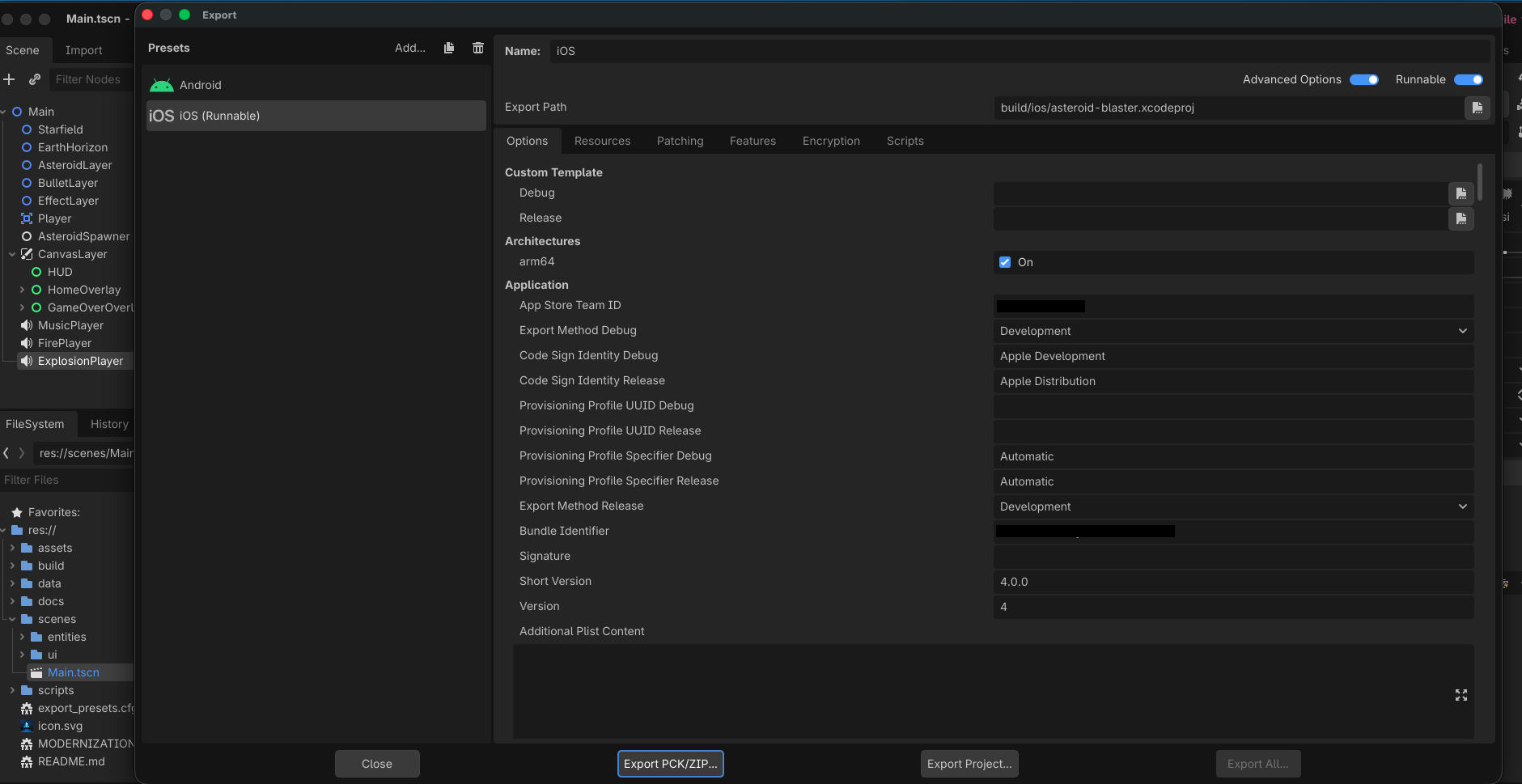
A modern product is not defined by whether it runs. It is defined by whether it can be released repeatedly without drama. This rebuild turned a one-time deployment path into an operational pipeline. Getting the Godot export presets stable for both iOS and Android was its own adventure, mostly around signing profiles and icon formatting that silently fails if you get it slightly wrong. But once it works, it works every time, and that is the entire point.
What Actually Took the Engineering Effort
Interestingly, not gameplay.
The real work went into:
- behavioural correctness
- UX polish
- lifecycle handling
- release infrastructure
Or put simply: making it feel like software that belongs on a modern phone.
Honest Tradeoffs
Rebuilds demand early architectural decisions. Procedural visuals require discipline. Export pipelines will always have platform quirks. There are also decisions I’m still not entirely sure about, like whether GDScript was the right call over C# for long-term maintainability, or whether the balance resource approach will hold up once the game gets more complex. Time will tell.
But modernisation is really about one thing: making future change cheaper than past change.
By that measure, the rewrite was absolutely worth it.
Where This Goes Next
If you’re a builder, you know the work is never “done”.
Next steps likely include:
- telemetry for balancing decisions
- automated smoke checks around state transitions
- expanded device performance budgets
- release candidate tagging
Modernisation isn’t a milestone, it’s a direction.
Final Thought
Revisiting Asteroid Blaster wasn’t about nostalgia, it was about standards.
In 2012, getting a web game into an app wrapper was enough, In 2026, the bar is higher:
- resilient architecture
- predictable state
- mobile-native behaviour
- repeatable shipping
The biggest change wasn’t the engine, it was the mindset.
Because the difference between something you ship and something you can keep shipping is the difference between a project and a product.